Meet The Upgraded Functionality Of The Balances Page
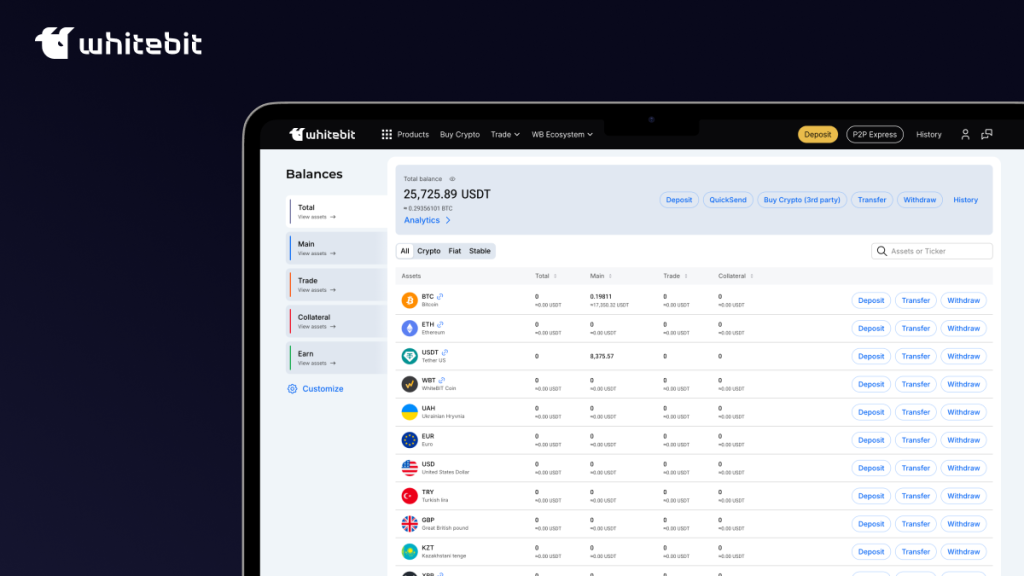
We continue to work on improving the WhiteBIT interface and adding new features to make our exchange as convenient as possible. Another step in this direction was redesigning the Balances page. Find out all the details about the upgraded functionality in this article!
Now, there are 5 balances on one page: Total, Wallet, Spot, Margin, and Staking. By default, the total amount of funds at the top of each tab is indicated in USDT equivalent. By clicking on the Customize button, you can choose to display funds in BTC equivalent or hide them. The desired asset can be found by its name or ticker in the search box. There will be a link to the explorer next to it. You can also hide the assets you don’t own from the list by moving the Hide Zero slider. These settings are applied to all balances.
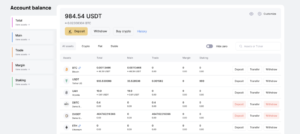
Total balance. This tab displays the funds from all your balances for each asset separately. You can filter currencies by Crypto, Fiat, and Stable categories, make deposits, buy crypto, withdraw cryptocurrency, and view your history. Deposit, transfer, and withdrawal can be quickly carried out by clicking on the corresponding buttons next to the selected asset. If any of these operations is not available for the desired currency, it will be highlighted in red. You can set up to receive an e-mail notification when previously unavailable deposits or withdrawals are opened.
Wallet. Here you have access to the same filters and buttons as in the previous tab.
The Create code button is displayed opposite the currencies in which you have funds. With its help, you can generate a WhiteBIT Code. The Stake now button is also provided if there are SMART Staking plans with this asset.
Spot balance. In this tab, users can transfer funds by clicking the buttons next to each currency or those at the top of the tab. The pairs available for trading can be viewed by clicking on the arrow next to the ticker and asset logo. The currency filter remains the same. You can also view the transaction history.
Margin balance. It has the same functionality as the “Spot” tab, except that there is no Exchange button next to each asset, and asset funds are displayed only in the Total column.
Staking. The tab is displayed if a user has assets deposited to SMART Staking. Here you can view all the information on your plans and go to the SMART Staking section using the Show plan button next to the asset or the Stake now button at the top of the tab.
We hope that the updated Balances page will significantly improve your user experience and help you manage your assets more efficiently. Stay tuned for more!
WhiteBIT Team